Start capture
Allow microphone access and start the listening session.
OMEGA UI / AUDIO UTILITIES
Back That App Up is built around a rolling audio buffer. While capture is active, it can preserve recent sound when you trigger a save, then continue for a chosen period afterward. The app must already be listening to capture the time before a tap.
Choose the moment after it happens, while capture is active.
APP VISUALS
Published campaign artwork and a tour of the actual web app screen.
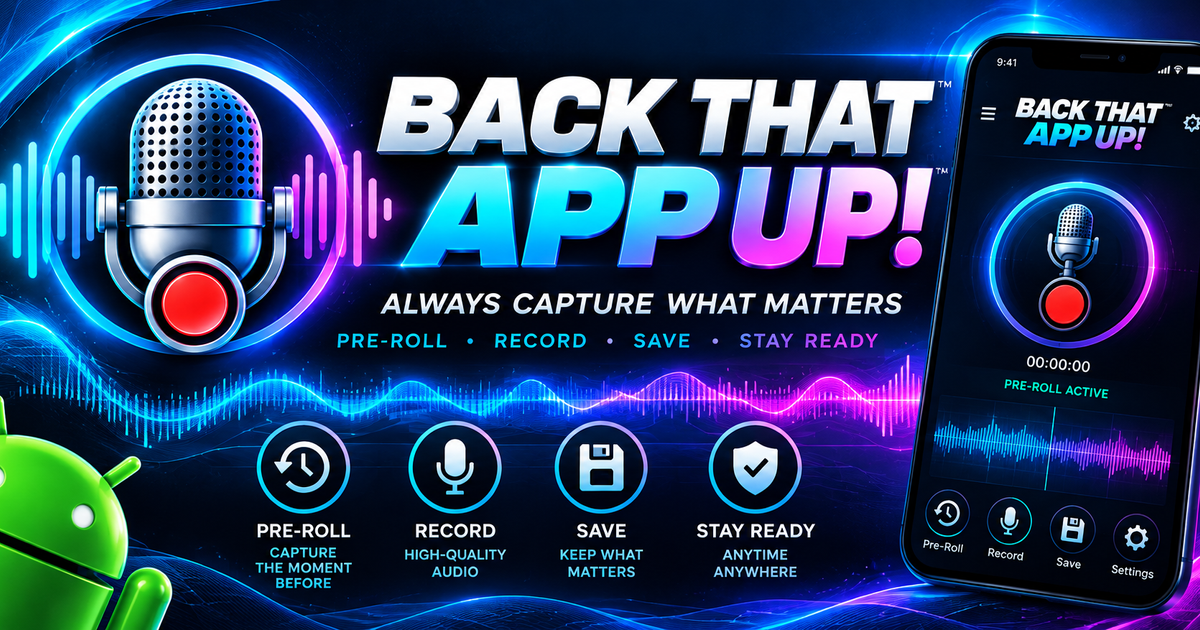
An 18-second screen showcase using actual browser captures; no audio was recorded in this tour.
CAPTURE FLOW
Allow microphone access and start the listening session.
The app maintains a rolling buffer while capture is active.
Use the capture control when something worth keeping happens.
The selected after period completes the clip.
INTERACTIVE PREVIEW
This visual preview explains the before and after windows. It does not change settings in the installed app.
1m before1m after
GET THE APP
Open the public Google Play listing for the Android app.
View on Google PlayOpen the web app on a supported device and review its current capture options there.
Open web appA native App Store listing is not available yet. The web app is the current iPhone route.
Visit web appPROMOTIONAL CONCEPTS
Story, square, and share banner concepts adapted to the SynCloud Connect palette.
PRODUCT QUESTIONS
No. The before window depends on an active capture session.
Background microphone behavior varies by device and operating system. Check the current app on your device before relying on capture while locked.
No. It is an audio moment capture app.
Follow the consent rules that apply where you record. Review the app’s privacy policy for its current data practices.
ORIGINAL WORKBENCH MATERIAL
The uploaded bundle includes the earlier app workbench, this product’s landing design, three promotional layouts, and their authoring files. The originals are available as a single download for continued editing.